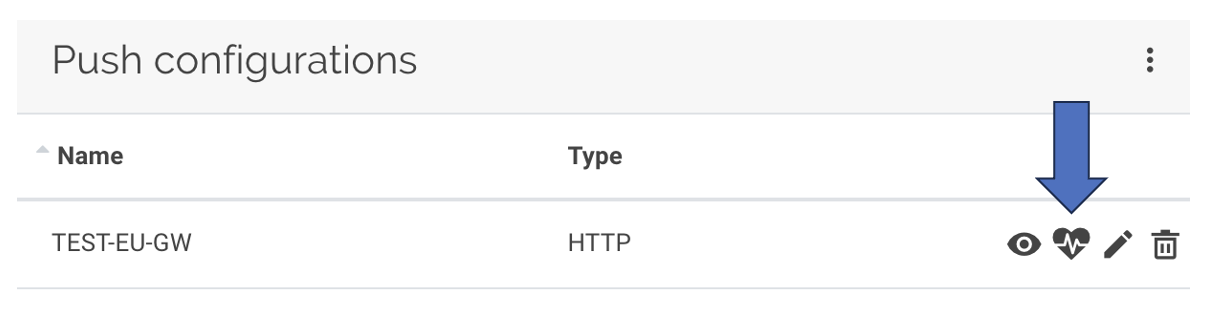
Kerlink’s LoRaWAN server is called Wanesy Management Center (WMC). WMC groups gateways into logical clusters. Follow these steps to forward data from a gateway cluster to Device Explorer:
Step 1: In the Administration menu, select the cluster to use.
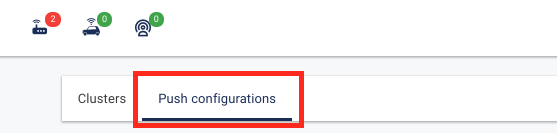
Step 2: Open the Push Configurations tab, then click + to add a configuration.
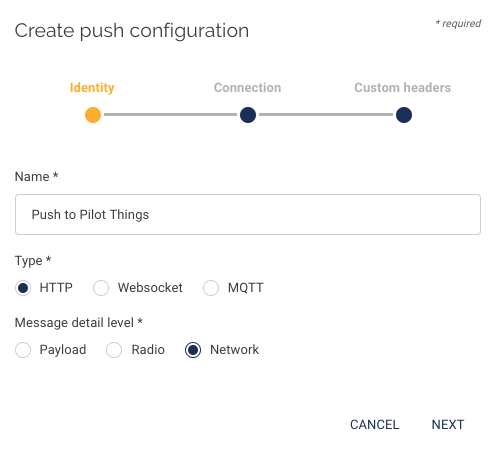
Step 3: Select HTTP type and Network message detail, name the configuration, and click Next.
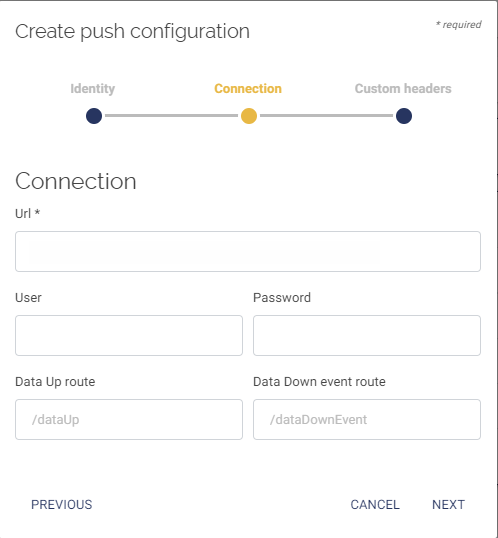
Step 4: Enter the URL provided by Pilot Things in the connection URL field, then click Next.
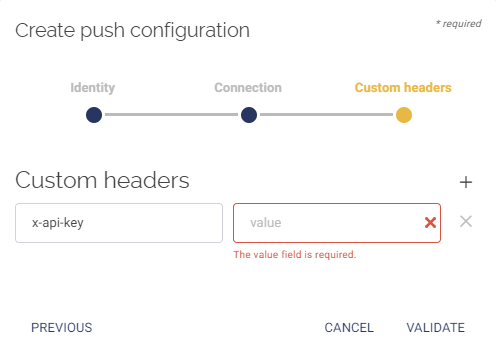
Step 5: Add the header information provided by Pilot Things, then click Validate.
Step 6: When configuration is complete, verify the connection by clicking the heart icon.