


Checkin and out feature is used to get consumption when tenants stay for a short period of time like in a camping site or hotel.
When tenant starts using water you must checkin . We use last readout as consumption starting point.
When tenant leaves you check out and we will use last readout - starting consumption to calculate consumption.
You must have MANAGER in your company to use check-in and out feature.
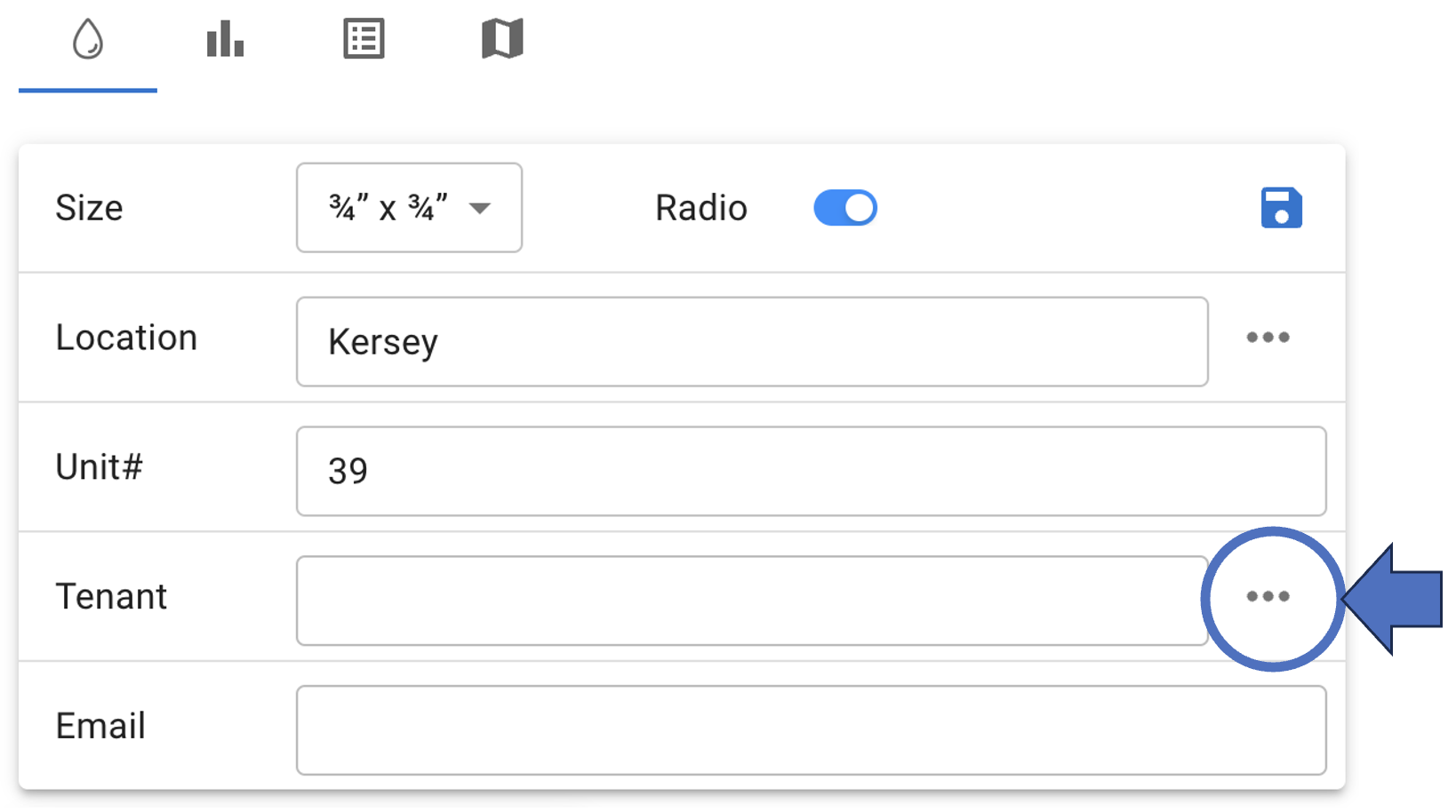
To check-in a tenant, click on the meter and on the 3 dots right to tenant field :
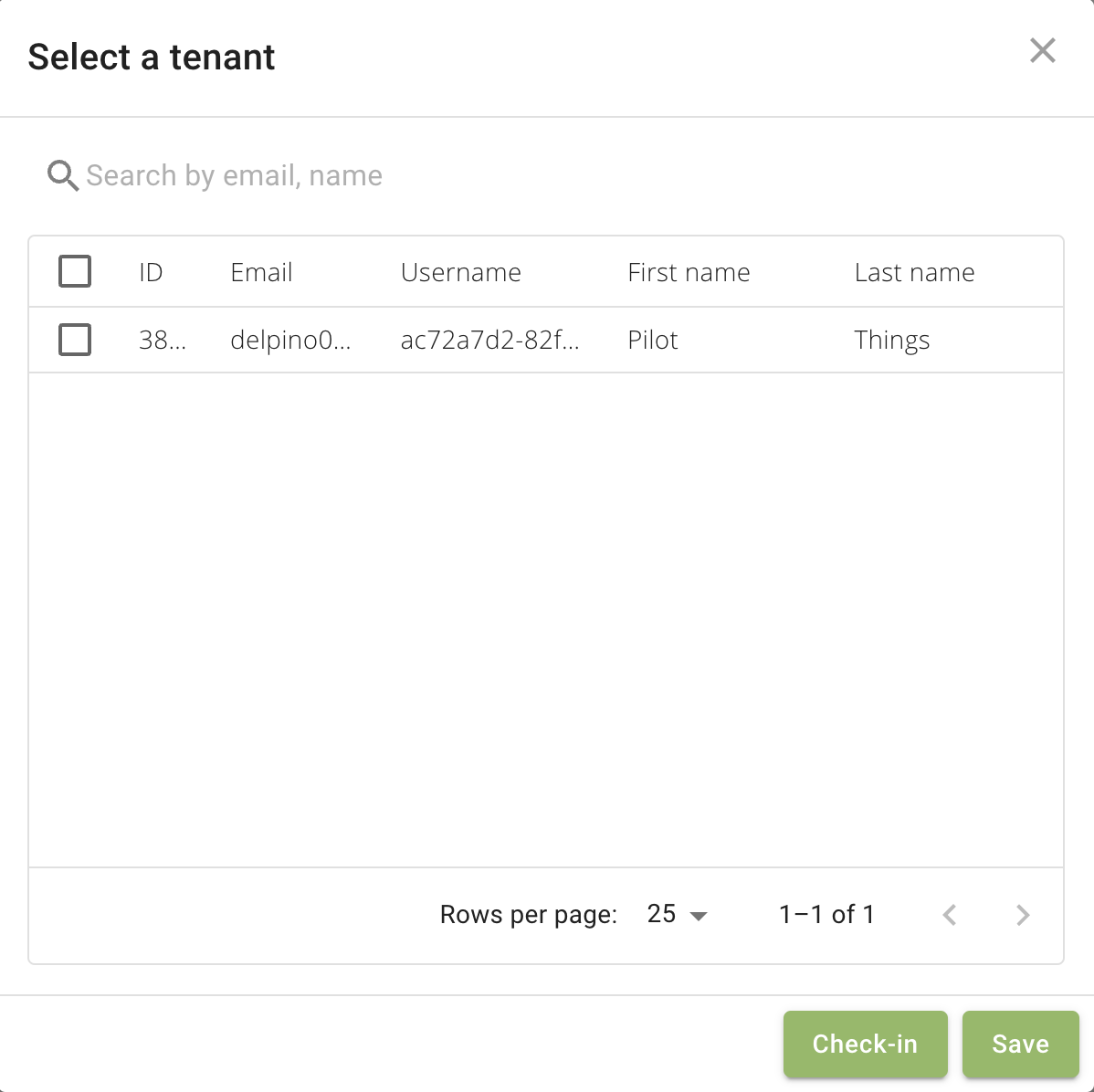
The tenant selection dialog box would open. Select only one tenant you would like to check-in and click checkin button.
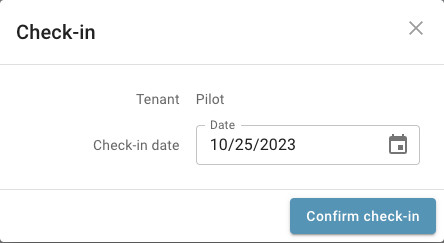
You may change check-in date before confirming check-in:
To check-out use the button next to tenant name:

You may change check-out date before confirming check-out:


empowering IoT sensors