To add a Milesight gateway using auto-provisioning you need to:
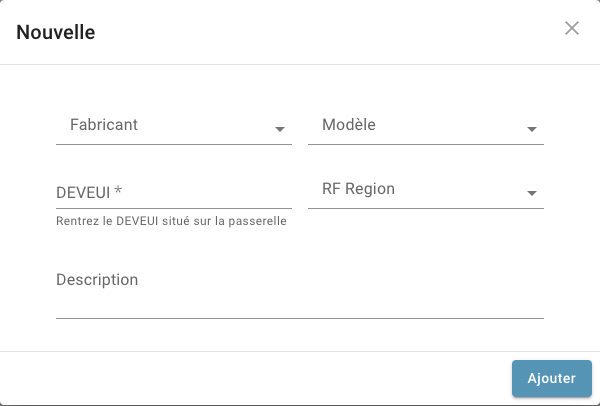
Here is the window to add the gateway. Choose the manufacturer Milesight and fill in the information.
Milesight product user guides are available online on their website.
The chapters below explain how to enable this option for each gateway model. For more details, refer to the Milesight guides.
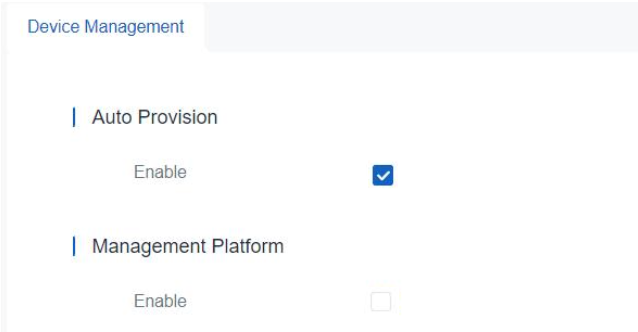
In the Device Management menu
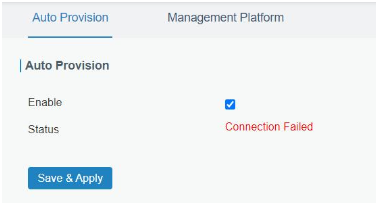
In the gateway service menu:
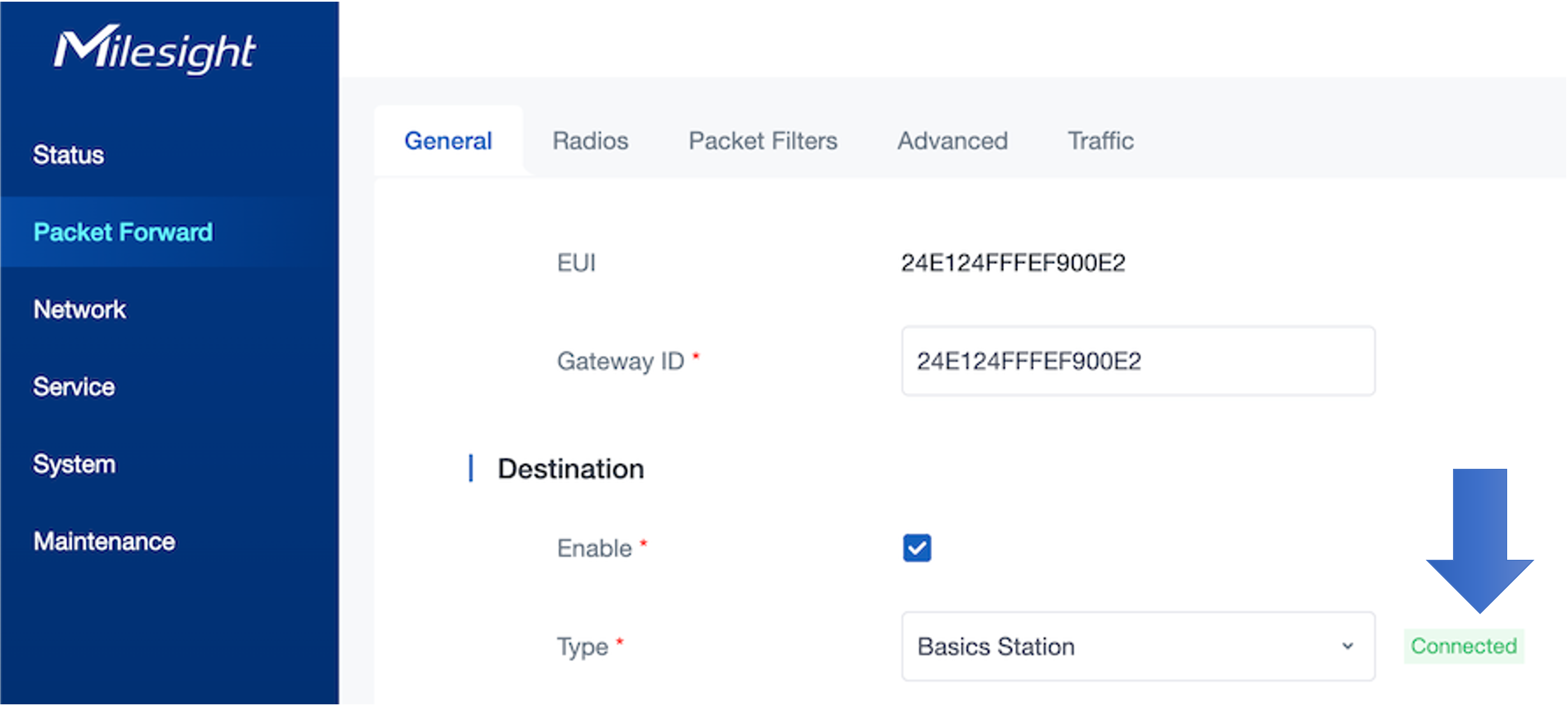
After the gateway is automatically added to Device Explorer, the Packet Forwarder menu will show the destination will be Basic Station and the “Connected” indication will appear